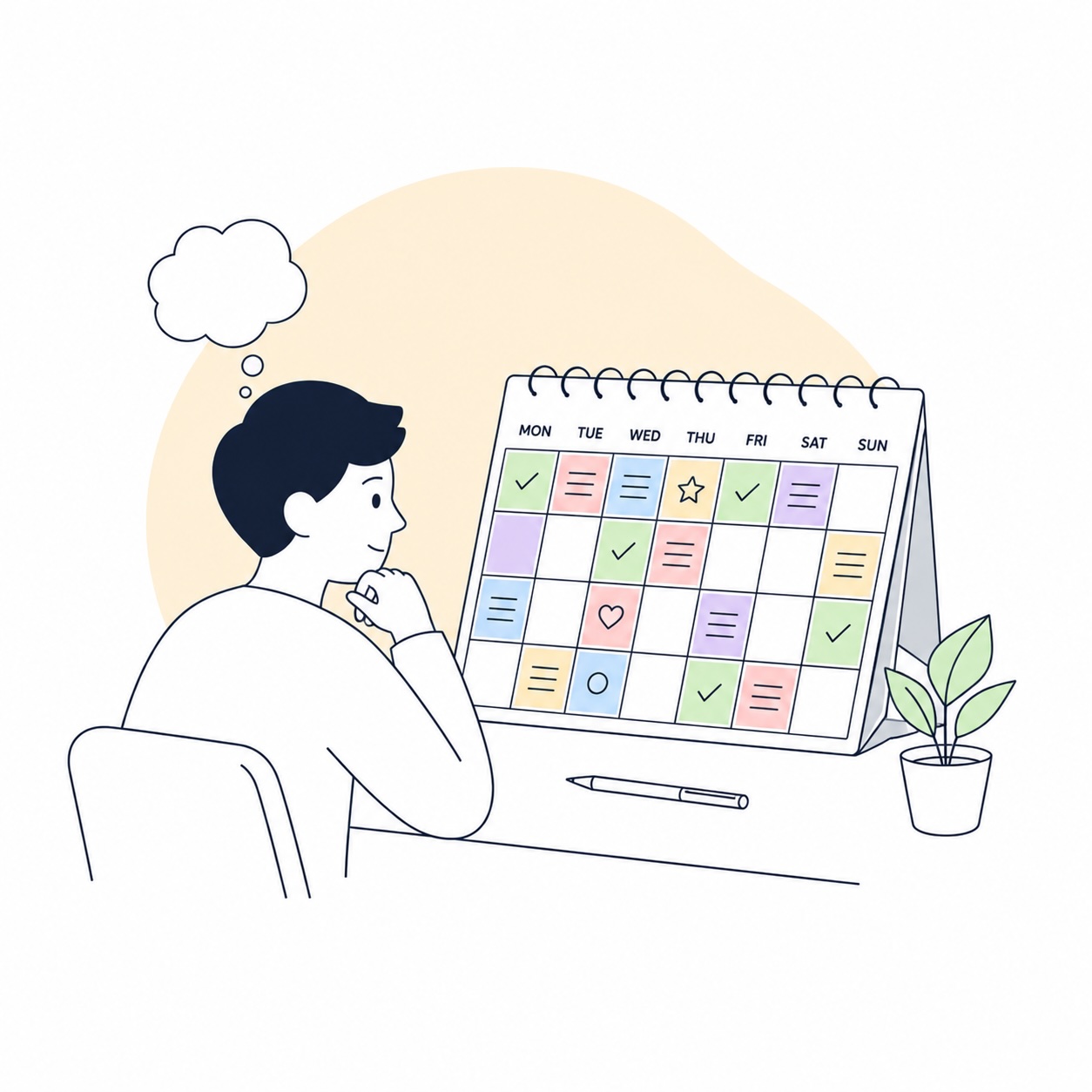
One reason standard calendars often fail with ADHD is simple: they make time feel too abstract. You see lists of events, text labels, and maybe a few tiny color blocks, but you do not really feel the shape of the day or month. Small payments disappear, deadlines feel far away until they suddenly are not, and the space between events just seems to vanish. That is where visual calendars often work better than yet another smart list.
A good visual calendar reduces more than chaos. It lowers cognitive load by making information physically visible. You can see which day a subscription renews, where the week is already overloaded, where there is still room, and which block of time is actually yours. These four tools do that especially well. And if I had to start with the most interesting and practical one here, I would begin with Subscription Day.
Why visual calendars work better than lists
For many people with ADHD, the problem is not lack of information. It is how that information is presented. A list requires sequential reading and constant context-holding. A visual calendar works differently: it shows the shape of a month, the density of a week, and the clustering of events or payments at a glance. That matters when you need not just to remember something, but to judge the weight of it quickly.
1. Subscription Day
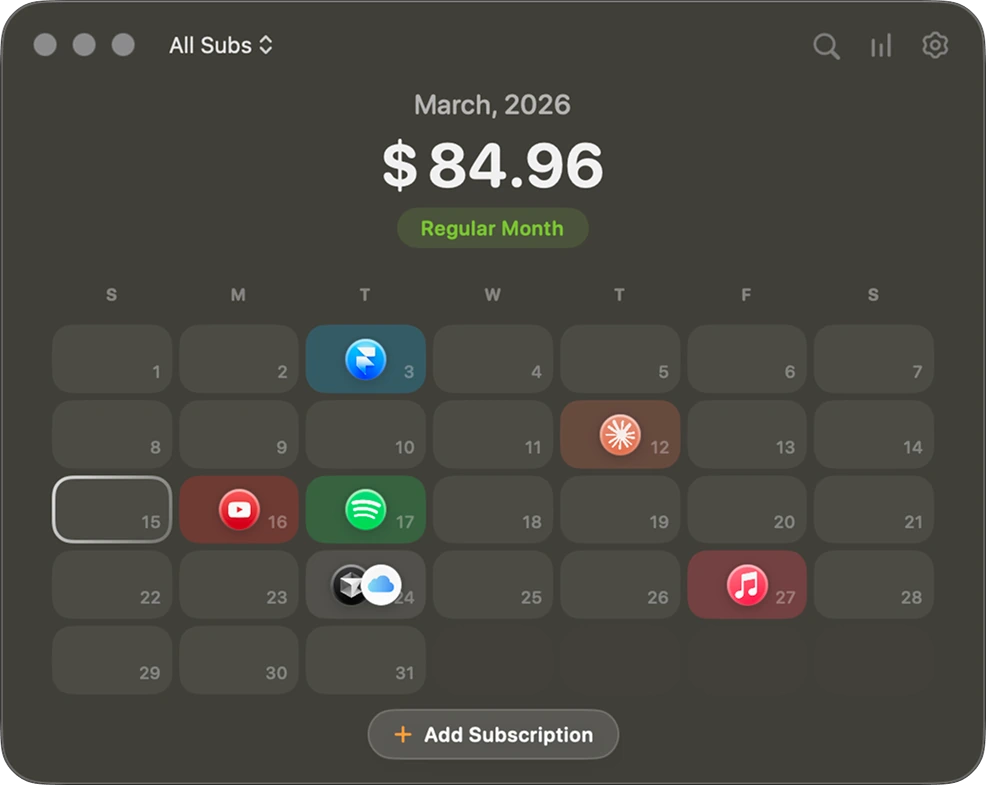
Best if you want to see subscriptions as real calendar events, not just a finance list
- What it is: an app for tracking paid subscriptions and upcoming charges through a mini calendar, reminders, and spending stats.
- Who it is for: people who lose track of trial periods, annual renewals, small SaaS charges, and subscriptions billed on different days.
- ADHD use case: see exactly when money will leave your card instead of relying on memory or bank statements.
- Mac / iPhone compatibility: macOS, iPhone, Apple Watch, iCloud sync.
- Price: free download with in-app purchases; terms may vary by platform.
- Main advantage: the format is extremely clear. Subscriptions become visually obvious through the calendar instead of hiding in a list.
- Main limitation: this is not a full life calendar. It is strongest in a narrow job: subscriptions, trials, recurring payments, and charge visibility.
What makes Subscription Day stand out is that it does not try to be everything. It takes one recurring problem that people constantly underestimate and presents it in the clearest possible way. You are not just reading that Netflix, Setapp, or some AI tool will renew. You actually see the day it will happen and how those charges stack up across the month.
It also handles the practical details well: quick adding, automatic logos and categories, imports from the App Store, Notion, or Google Sheets, multi-currency support, iCloud sync, and reminders through Calendar or Apple Reminders. In other words, it does not feel like another finance tracker. It feels like a tool that finally makes subscriptions visible.
Subscription Day — Download on the App Store
2. Structured
Best visual calendar if what you really need is not the month, but the shape of your day
- What it is: a visual day planner with a timeline that combines tasks, calendar events, and daily structure.
- Who it is for: people whose day falls apart hour by hour rather than month by month.
- ADHD use case: see the day as a time strip instead of a chaotic list of intentions.
- Mac / iPhone compatibility: iPhone, iPad, Mac, Apple Watch.
- Price: free tier available; advanced features are part of Pro.
- Main advantage: very low friction. Structured quickly turns abstract tasks into a visible day line.
- Main limitation: for complex team scheduling or project planning, it may feel too light.
Structured is strong because it answers one very practical question well: what comes next? For ADHD brains, that kind of concreteness matters more than endless features.
3. Tiimo
Best if you need more than a calendar and want visual support for routines and transitions
- What it is: a visual planner with timelines, icons, colors, countdowns, and AI task breakdown.
- Who it is for: people who need to feel the rhythm of the day through visual cues.
- ADHD use case: reduce time blindness and make switching between blocks easier.
- Mac / iPhone compatibility: iPhone, iPad, Apple Watch, Web.
- Price: free version available; Pro unlocks AI tools and extra features.
- Main advantage: Tiimo is designed as neurodivergent support, not just a stylish planner.
- Main limitation: if you want a classic monthly work calendar with lots of meetings, it may feel less universal.
Tiimo works because it is not shy about being visual. Icons, colors, timers, and the feeling of time moving are functional here, not decorative.
4. Morgen
Best if your time is scattered across multiple calendars and task sources
- What it is: a calendar and daily planner that brings together multiple calendars, tasks, and time blocks in one interface.
- Who it is for: people living between Apple Calendar, Google Calendar, Todoist, Notion, and work calendars.
- ADHD use case: reduce switching between systems and finally see the whole week in one place.
- Mac / iPhone compatibility: Mac, web, mobile; supports Apple Calendar and other integrations.
- Price: trial available; full functionality is in paid plans.
- Main advantage: it creates one visual space instead of three scattered calendar systems.
- Main limitation: heavier than Subscription Day or Structured and better for people with a more complex setup.
Morgen is useful not because it does everything, but because it pulls fragments into one picture. For people whose days break down because they are juggling too many systems at once, that matters.
How I would actually use this
In real life, the stack can be simple. Subscription Day keeps all future charges and trials visible. Structured shows the shape of the day. Tiimo helps with routines and transitions. Morgen makes sense when work and personal calendars need to live in one view.
More importantly, do not install everything at once. If surprise charges are the real problem, start with Subscription Day. If your day collapses hour by hour, try Structured. If time blindness and transitions are the bigger issue, look at Tiimo.
Three setup tips that matter
- One color should mean one type of information. Do not color-code randomly.
- Show the layer you need, not everything at once. Use filters when possible.
- Set reminders before the event, not at the event. This matters most for charges and trials.
Conclusion
The best visual calendar is not the one with the most modes. It is the one that turns information into a picture your brain can understand quickly. That is why Subscription Day works so well here: it takes a boring, easy-to-ignore problem and makes it almost impossible to miss. Not through pressure, but through visibility.
If you want to test whether visual calendars work better for you, start with one simple case: put the thing you keep losing track of into a format you can actually see. For many people, that means either time or money. And when it comes to subscriptions, Subscription Day handles that pain point unusually well.