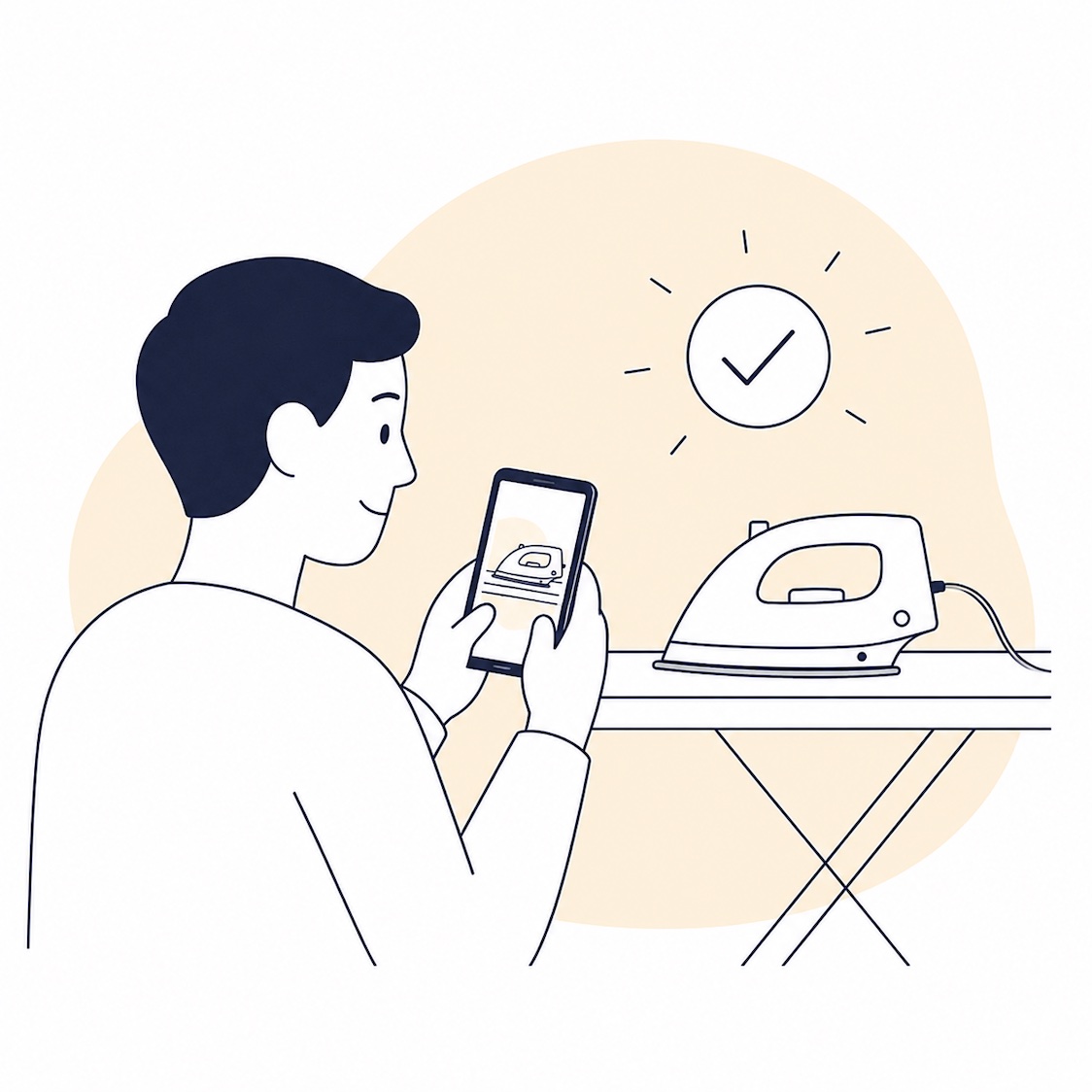
There is an anxiety that is hard to explain to someone who doesn't feel it. We leave the house, lock the door, get into the car, and suddenly think: did I definitely turn off the iron? Did I turn off the water? Did I lock the door? Logically, we know everything is fine. But an anxious brain often ignores logic and demands proof. And the easiest proof you can get in two seconds before leaving is a photo. You photograph the outlet, the iron, the lock, the stove. You leave. If the anxiety returns an hour later, you just open the app and look.
The problem is that the standard iPhone camera saves these shots right into your main camera roll. A week later, you have twenty photos of the iron, fifteen of outlets, a dozen locks, and a couple of parking spots. All of this mixes with your personal, family, and important photos. The gallery starts to look like a temporary trash bin. And this in itself becomes irritating. It creates a vicious cycle: temporary photos help reduce anxiety in the moment, but a cluttered gallery creates a new background tension.
This is where temporary photo apps are useful. And if I had to recommend just one to try from the whole list, I would start with CheckCam.
Important: features and prices may change. It is best to check current information in the App Store before downloading.
Why temporary photos are not about photography, but about peace of mind
For people with ADHD and anxiety, checking behavior is not a whim, but a real mechanism that helps the brain let go of a thought. It's hard to just tell yourself "I definitely turned it off." An external anchor is needed: a photo, a screenshot, visual confirmation. This is normal, and it works.
But the standard camera isn't built for this scenario. It saves everything in one place, deletes nothing, and groups nothing. A few days later, you open your gallery and see a chaotic stream of identical photos: iron, outlet, iron, lock, parking, iron again. For an anxious brain, this is a separate stressor. We wanted to reduce anxiety, but got another source of clutter instead.
A good temporary photo app should do three things. First: open straight to the camera so you can snap and go without extra steps. Second: keep everything separate from your main camera roll. Third: automatically delete old photos so there is no need to clean up manually. And if it also groups by sessions and lets you pin important items, that's almost the ideal scenario.
1. CheckCam
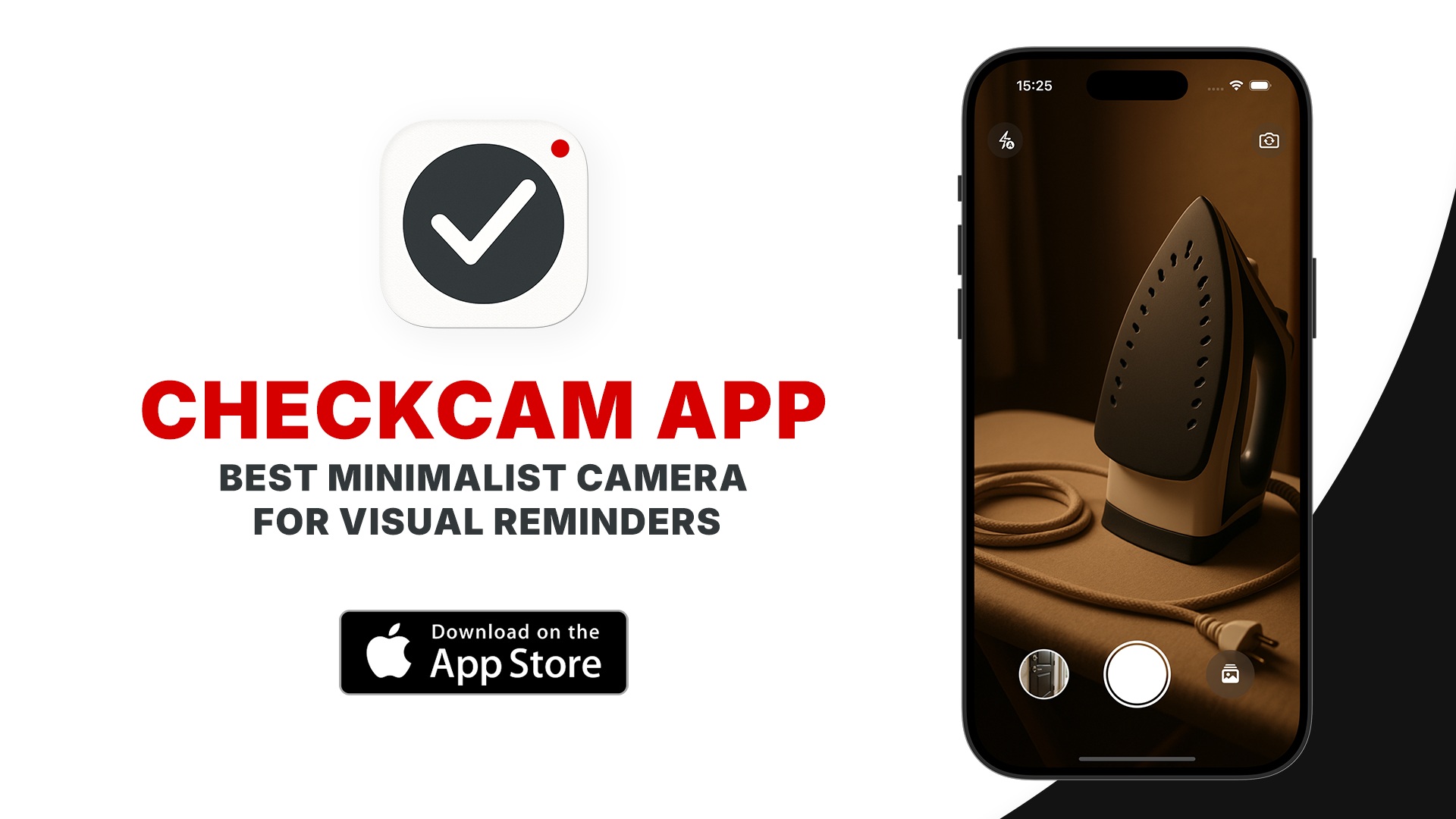
The best option if you need a camera specifically for anxiety checks
- What it is: a minimalist iOS camera for temporary photos and videos that automatically delete and never enter your system gallery.
- Who it's for: people who photograph irons, outlets, locks, and parking spots every day and don't want to see them in their main camera roll.
- ADHD use case: open, take 3-5 shots before leaving, close. No extra steps or decisions.
- Mac / iPhone compatibility: iPhone (iOS 17+), Mac (macOS 14+, Apple Silicon).
- Price: free download, contains in-app purchases; terms may change.
- Download: CheckCam on the App Store
- Main advantage: Camera First design, photo grouping by sessions, and auto-deletion after 1, 7, or 30 days.
- Main limitation: only works in the Apple ecosystem; no Android version.
CheckCam has one feature you feel immediately: it opens right into the camera. No welcome screens, no menus, no extra taps. Tap the icon, take three shots, close. For anxiety checks, this is critical. You don't have to think about where to tap. You just take the picture and go. This is what a Camera First approach means: the camera is the main screen, not just a menu item.
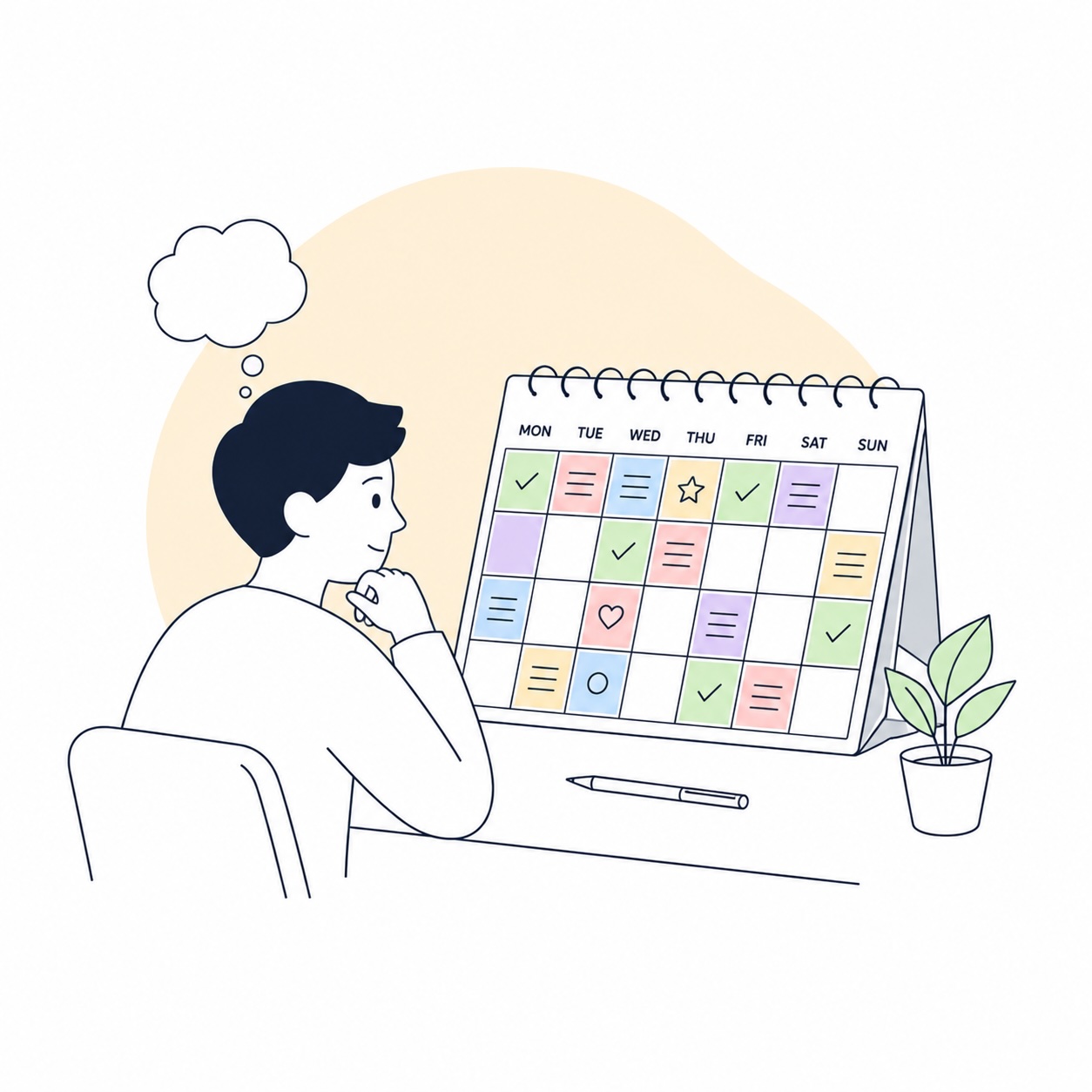
But the most valuable thing for an anxious brain here is session grouping. CheckCam automatically breaks shots into sessions by time: 15 minutes, 30 minutes, an hour, or a day. What does this mean in practice? You open the gallery and see not a pile of identical photos, but clear blocks: here's the morning check before work, here's the evening check after returning. Each session is visually separated. If anxiety returns, you don't scroll through everything; you find the right session in seconds. For a brain already spending extra energy on anxiety, this makes a huge difference.
Another important feature is the Pin function. You can pin specific photos, and they won't be deleted automatically. Everything else disappears after the chosen period. Effectively, you get a smart album that cleans itself: temporary stuff vanishes, important stuff stays. And all this is outside the main camera roll. Your family photos, memories, and screenshots remain clean and uncluttered. The app is completely offline, collects no data, and even removes EXIF and GPS from photos.
2. Temp Photo: Secret Album Vault
The best option if you need extra privacy and album organization
- What it is: a secure vault for temporary photos with PIN code, Face ID, and the ability to sort shots into albums.
- Who it's for: people who care equally about temporary photos, privacy, and manual organization.
- ADHD use case: albums help manually separate different types of temporary shots.
- Mac / iPhone compatibility: iPhone, iPad, Mac (Apple Silicon), visionOS.
- Price: free download; terms may change.
- Main advantage: PIN and Face ID entry, albums for organization, ability to disguise the app icon.
- Main limitation: photos are kept for a maximum of about 100 hours; the interface is more geared towards privacy than anxiety checks.
Temp Photo suits those for whom confidentiality is as important as temporality. Login via PIN or Face ID, the option to disguise the icon as another app, and complete isolation from the system gallery. If you plan to store something more sensitive than a photo of an iron here, this security model might be appropriate.
From an organizational standpoint, there's a plus missing in others: albums. You can manually separate shots by categories, which is handy if you use the app for more than just checking behavior. But for daily anxiety checks, there are a few limitations. First, the maximum retention time is about 100 hours, or roughly four days. This is enough for most scenarios, but sometimes you want access to photos from a week or a month ago. Second, the approach itself is built around vault logic: hide and protect. For someone who just wants to snap an outlet before leaving and forget it, this might be overkill.
3. Shotspan: Self-deleting Photos
The best option if you need flexibility in retention times
- What it is: a camera with auto-deleting photos after a chosen period and the ability to protect individual shots from deletion.
- Who it's for: people who need a simple camera with a lifespan timer for photos and a "don't delete this one" function.
- ADHD use case: take a shot, choose how long it will live, and stop thinking about it.
- Mac / iPhone compatibility: iPhone, iPad.
- Price: free download, contains in-app purchases; terms may change.
- Main advantage: flexible choice of retention time for each photo plus the ability to protect individual shots.
- Main limitation: all photos are stored in one pile without any grouping.
Shotspan covers the basic scenario well: snap, set a time, forget. You have the option to choose how long the photo will live and mark individual shots as protected so they don't disappear when time runs out. For simple tasks, this is enough.
But there's one downside that becomes noticeable specifically with daily anxiety checks. All photos sit in a single feed without division into sessions, days, or categories. When you photograph the same things every day - iron, stove, lock - this feed very quickly turns into a homogeneous pile of visually identical shots. For an anxious brain, this is a separate stressor: you need to find a specific morning check, and you're faced with an endless stream of similar photos with no separation. That's why the lack of session grouping isn't just a cosmetic flaw, but a functional one.
4. Tamera - 24 Hour Camera Roll
The best minimalist option if 24 hours is enough for you
- What it is: a camera that keeps everything for exactly 24 hours and then automatically deletes it.
- Who it's for: people whose scenarios always fit within a single day.
- ADHD use case: ultimate simplicity. Snap, and in a day it's gone. No extra decisions.
- Mac / iPhone compatibility: iPhone.
- Price: free download, contains in-app purchases; terms may change.
- Main advantage: radical simplicity of concept. One rule: 24 hours and that's it.
- Main limitation: a strict 24-hour limit and no photo grouping.
Tamera is built on one idea: everything you shoot lives exactly one day. No retention settings, no albums, no categories. For some, this is the main advantage: you don't have to decide anything. You snap it, it will be gone tomorrow. There is an option to record video and save individual photos to the main gallery if something turns out to be needed.
But for anxiety checks, there are two serious limitations here. First: if you need to check a photo from two days ago, it won't be there. And such situations happen, especially after weekends or short trips. Second: the same pile problem. All photos lie in one feed without division. When you shoot the same household items every day, they visually merge. Finding a specific morning check among twenty similar shots without session separation adds extra friction for a brain that is already overloaded with anxiety.
Here is how I would build a working stack from this
If we simplify everything to real life, the logic is as follows. CheckCam covers the broadest scenario for daily anxiety checks: the camera opens instantly, shots are automatically grouped into sessions, the unnecessary disappears after the chosen time, and the important can be pinned. For most people who photograph irons and locks, this is the primary tool.
Temp Photo makes sense if you concurrently need privacy and manual album organization. Shotspan is suitable if you want to flexibly choose the retention time for each shot individually. Tamera is the simplest option if all your scenarios always fit within a day.
And if you don't want to test everything at once, I would start with CheckCam. Its Camera First approach and session grouping most accurately hit the real scenario of an anxiety check: snap before leaving, see a clear block of shots in the gallery, calm down, and move on.
Who this might not work for
If you are on Android, CheckCam is not yet available, but Temp Photo and Shotspan have Android versions. It's also worth remembering that no app replaces working with a psychologist or therapist. If anxiety interferes with normal life, checking behavior becomes obsessive, or you return home to physically check the iron, this is a signal that it's worth talking to a specialist. Apps here are a tool to reduce friction, not a cure.
And one more thing: if you generally don't do photo checks and your anxiety manifests differently, these apps are unlikely to be useful. They are strongest in the specific scenario when the brain needs visual proof that everything is turned off, locked, and in its place.
Conclusion
The best temporary photo app for anxiety is not the one with the most features. It's the one that requires the fewest decisions in the moment. Open, snap, close. And then, when anxiety returns, quickly find the right session and see the proof. That's why CheckCam looks strongest here: the Camera First design removes extra steps at entry, session grouping removes chaos in the gallery, and auto-deletion removes the need to clean manually.
If you want to test this idea, try a simple experiment. The next time you leave the house and feel the familiar "did I definitely turn it off?", take three shots not in the standard camera, but in a separate temporary photo app. If the anxiety returns an hour later, open and look. And tomorrow, pay attention to your main camera roll: it's clean. No iron, no outlet, no lock. Just your photos. Sometimes the difference between anxiety and peace of mind is exactly this small step.