When someone with ADHD looks for a task manager, the real problem is rarely the feature list. Almost every app can create tasks, add due dates, group things into projects, and look neat in screenshots. In daily life, the harsher question is simpler: does this tool help you avoid losing the task, see the next action, and return to what matters before your attention scatters again?
That is why comparing Todoist and Things 3 is useful not as another productivity showdown, but as a choice between two very different approaches. Todoist is stronger when you need fast capture, flexible recurring tasks, and less dependence on a single ecosystem. Things 3 often wins when you need lower cognitive load, a calmer interface, and a system that does not feel like it is yelling at you from every direction.
Important: features, interface languages, and pricing can change. Check the official product pages before paying.
Why task managers often fail with ADHD
Many task lists are good at storing information and bad at helping in the moment. With ADHD, the weak point is often not writing the task down, but starting it. The task exists, but it is buried inside a project. The reminder arrives at the wrong time. The Today view is overloaded. Or the app itself asks for so many tiny decisions that you end up managing the system instead of doing the work.
That is why a good task manager in this context has to pass a practical test. It should accept new tasks quickly, not punish messy brain dumps, help you see only what matters today, and avoid adding extra friction between the thought and the first action. By those standards, Todoist and Things 3 feel very different.
Todoist
Best if you need a fast inbox and a strong recurring-task system
- What it is: a cross-platform task manager with projects, labels, filters, natural language input, and strong recurring tasks.
- Who it is for: people who constantly capture tasks from their phone, browser, email, and want one place for all of it.
- ADHD use case: quickly dump a messy thought into the inbox and decide later whether it belongs as a next action, reminder, or project.
- Mac / iPhone compatibility: Mac, iPhone, iPad, web, and other platforms.
- Price: there is a free plan; some advanced features are part of the paid subscription.
- Main advantage: fast capture and strong recurring tasks.
- Main limitation: if you overdo filters, labels, and priorities, the system becomes noisy fast.
The main strength of Todoist is not that it is the smartest app. It is that it handles incoming tasks very well. If you often remember things on the move, send yourself links, think in fragments, and do not want to decide the perfect project in the first second, Todoist usually forgives that chaos better. The inbox works like a proper landing strip for thoughts, not like another structure you have to organize immediately.
The second big strength is recurring tasks. If you need help not forgetting regular payments, home routines, follow-ups after meetings, or recurring admin chores, Todoist is usually more flexible. For ADHD, that matters because some of the load gets removed not by pretty design, but by the system putting small important tasks back in front of you automatically.
Things 3
Best if complex systems overload you and you need lower cognitive load
- What it is: a task manager for the Apple ecosystem with a very clean interface and a strong focus on areas, projects, deadlines, and daily planning.
- Who it is for: people who want to see less, but more clearly, and build a realistic day plan fast.
- ADHD use case: build a Today view in the morning or evening so only genuinely relevant tasks stay in front of you.
- Mac / iPhone compatibility: Mac, iPhone, iPad, Apple Watch; fully built around the Apple ecosystem.
- Price: one-time purchase, bought separately for each Apple platform.
- Main advantage: very low cognitive load and one of the calmest interfaces in the category.
- Main limitation: there is no Windows version, and some people will miss Todoist-level flexibility in recurring workflows.
People like Things 3 not because it has the most features, but because it doses information well. For many people with ADHD, that is critical. If an app immediately shows too many contexts, labels, priorities, and panels, your brain starts interacting with the noise around the tasks instead of the tasks themselves. Things 3 works differently. It feels calm, predictable, and does not push you to turn your system into an endless construction project.
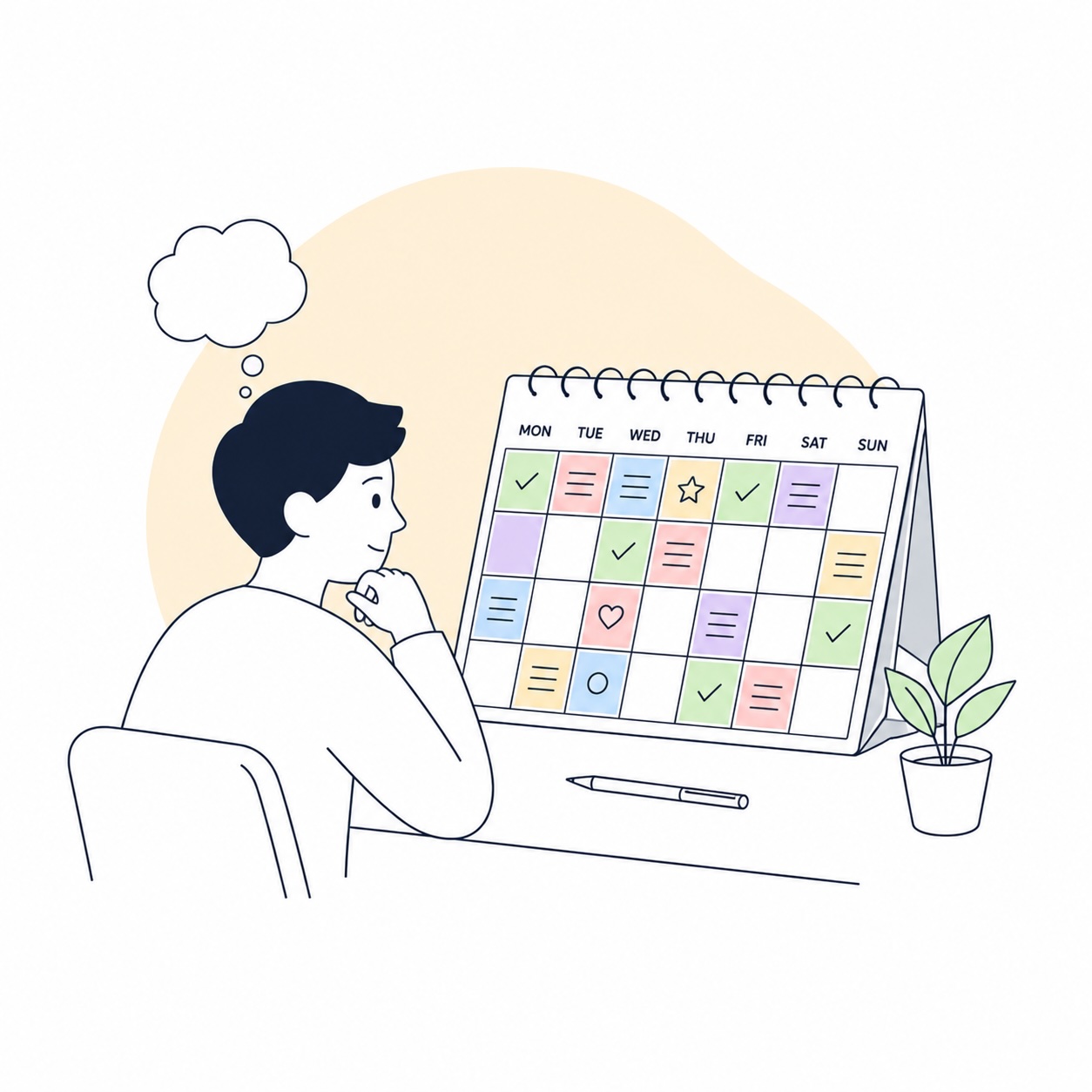
Things 3 is especially strong for manual daily planning. Not in the heroic sense of mapping your whole life, but in the simpler version: look at Anytime, move a few realistic tasks into Today, and see a short workable front instead of your whole backlog at once. If your ADHD breaks more from list overload than from missing features, Things 3 often feels lighter.
Which one is better for ADHD
In short, Todoist works better as a capture-and-repeat system, while Things 3 works better as a visibility-and-execution system. I would point Todoist at people whose tasks fly in from every direction and who need a strong external container for brain dumps, recurring tasks, and quick capture across platforms. I would point Things 3 at people who already know too many options hurt them and want a quieter, visually cleaner place for daily task selection.
There is an even simpler way to choose. If you often think, “I need to put this somewhere fast before I forget it,” start with Todoist. If you more often catch yourself thinking, “I opened my task list and already feel tired,” you will probably do better with Things 3. Both reactions are valid. They just point to different ADHD pain points.
My practical verdict
For most people who need flexibility, shareable links, cross-platform access, and strong recurring tasks, Todoist is the safer starting point. For people who live inside the Apple ecosystem and want minimal visual noise with calmer daily planning, Things 3 is the stronger pick. This is not about which app is abstractly better. It is about what breaks more often for you: capture or execution.
When to add DeskMinder as a second layer
Even a good task manager does not always solve the hardest part of the day: returning to a task at the right moment. This is where DeskMinder becomes useful. It does not replace Todoist or Things 3. It works as an external trigger on top of them. If the task manager is responsible for storage and structure, DeskMinder is responsible for visibility and the moment of action.
The best DeskMinder scenarios are usually very practical. Set a hard reminder to return to an important document in 25 minutes. Do not miss a hard stop before a call or before leaving home. Keep one current task visible through a desktop widget or the menu bar. Get a noticeable prompt not for your entire task list, but for one critical next action that cannot disappear between tabs again.
That is why DeskMinder pairs well with both Todoist and Things 3. With Todoist, it adds a stronger external ping for tasks that can sink inside a long list. With Things 3, it helps when the calm interface already organized everything, but you still need a more visible push at a specific time. Put simply, the task manager answers “what matters,” while DeskMinder helps with “do this now.”
DeskMinder — Download on the App Store
Who should choose what
- Choose Todoist if: you need fast brain dumps, recurring tasks, cross-platform access, and more control over structure.
- Choose Things 3 if: you want a quieter interface, lower cognitive load, and strong daily planning inside the Apple ecosystem.
- Add DeskMinder if: you need visible reminders, hard stops, return-to-task prompts, or one current next action right in front of you.
The worst outcome here is not choosing the wrong app. It is trying to build a perfect system with ten tools all at once again. Start with one task manager, live with it for two weeks, and only then decide whether you really need a second layer like DeskMinder. For ADHD, the best system is usually not the most complete one. It is the one that asks for the fewest unnecessary decisions during the day.